Skip to content
 Affiliate disclosure: GearUpToFit may earn from qualifying purchases. Product relevance, fit, limitations and reader value—not commission rate—determine inclusion.
Who this is for—and who should skip it
Best for
runners, hikers, swimmers and active users who want broad training features and multi-week battery without flagship Garmin pricing.
Not the best fit for
users who need LTE, a deep app store, seamless voice-assistant integration, or medical-grade interpretation of health data.
What Amazfit Balance 2 means in this guide
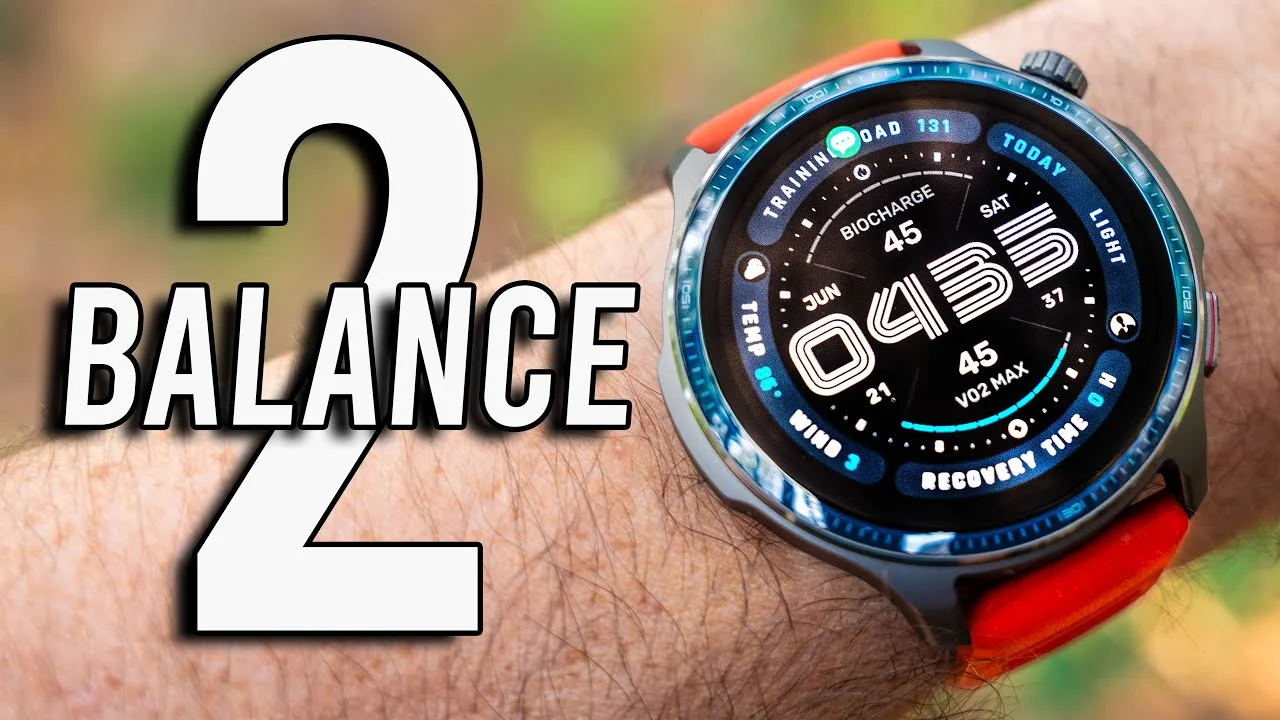
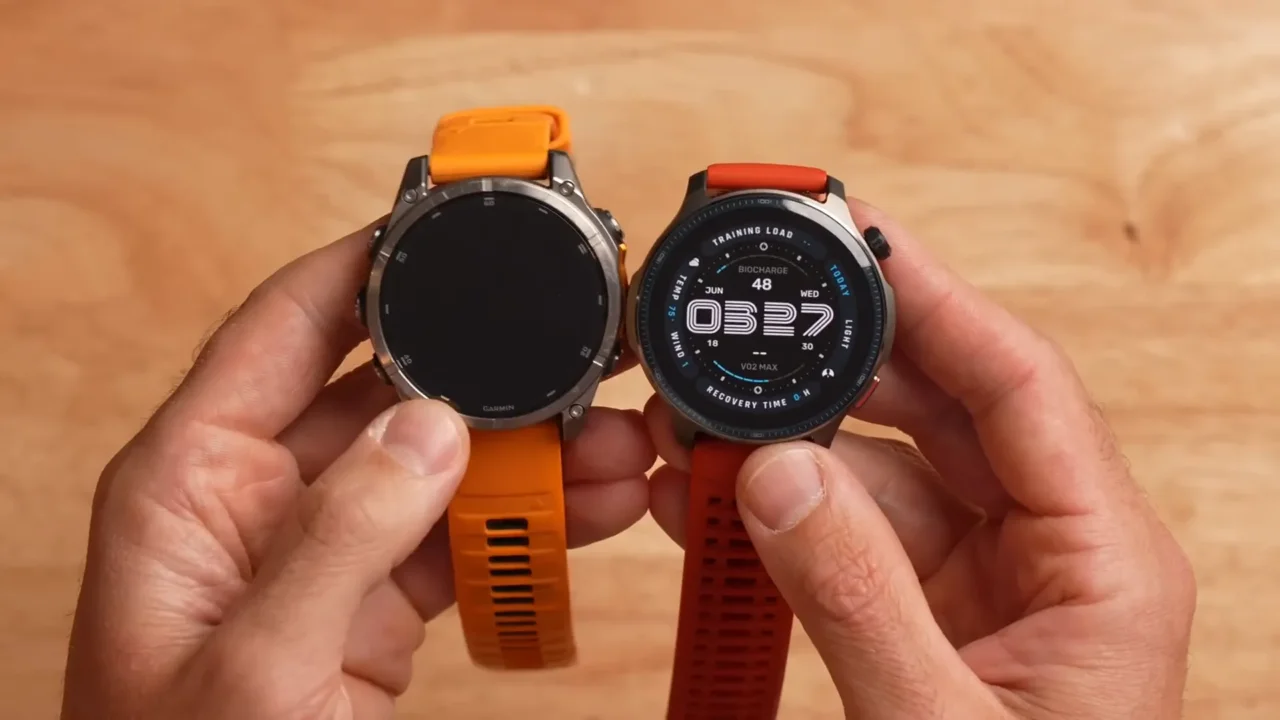
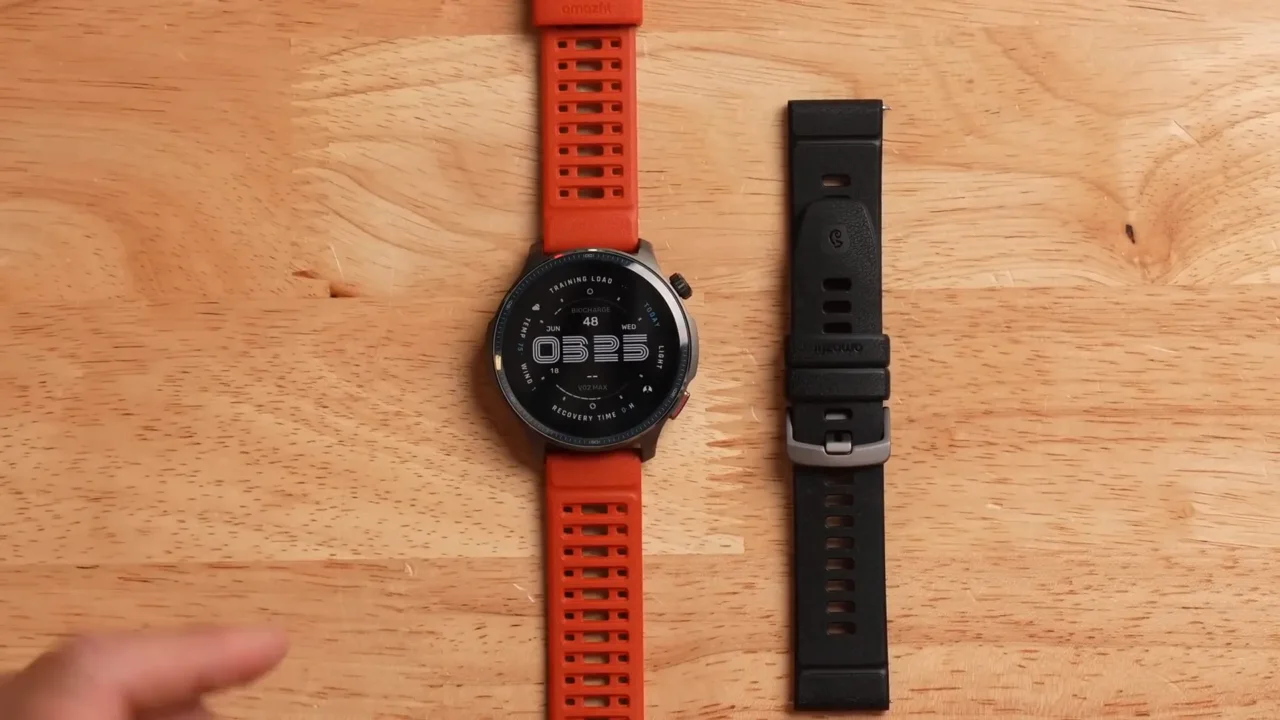
The Balance 2 is a premium-value multisport smartwatch: more training-focused than a basic activity tracker, but built around Zepp OS rather than the larger app ecosystems used by Apple, Google and Samsung.
This review separates the features listed by Amazfit from the real-world trade-offs that matter: your phone, your training, the routes you use, and how often you are willing to charge a watch.
Before narrowing Amazfit Balance 2 to one answer, compare fitness-tracking watches by use case and see budget fitness smartwatches and their trade-offs so that the purchase or training decision starts with the correct category rather than a popular model name.
Decision table: facts that change the verdict
| Area | Verified or stated information | Practical meaning |
|---|---|---|
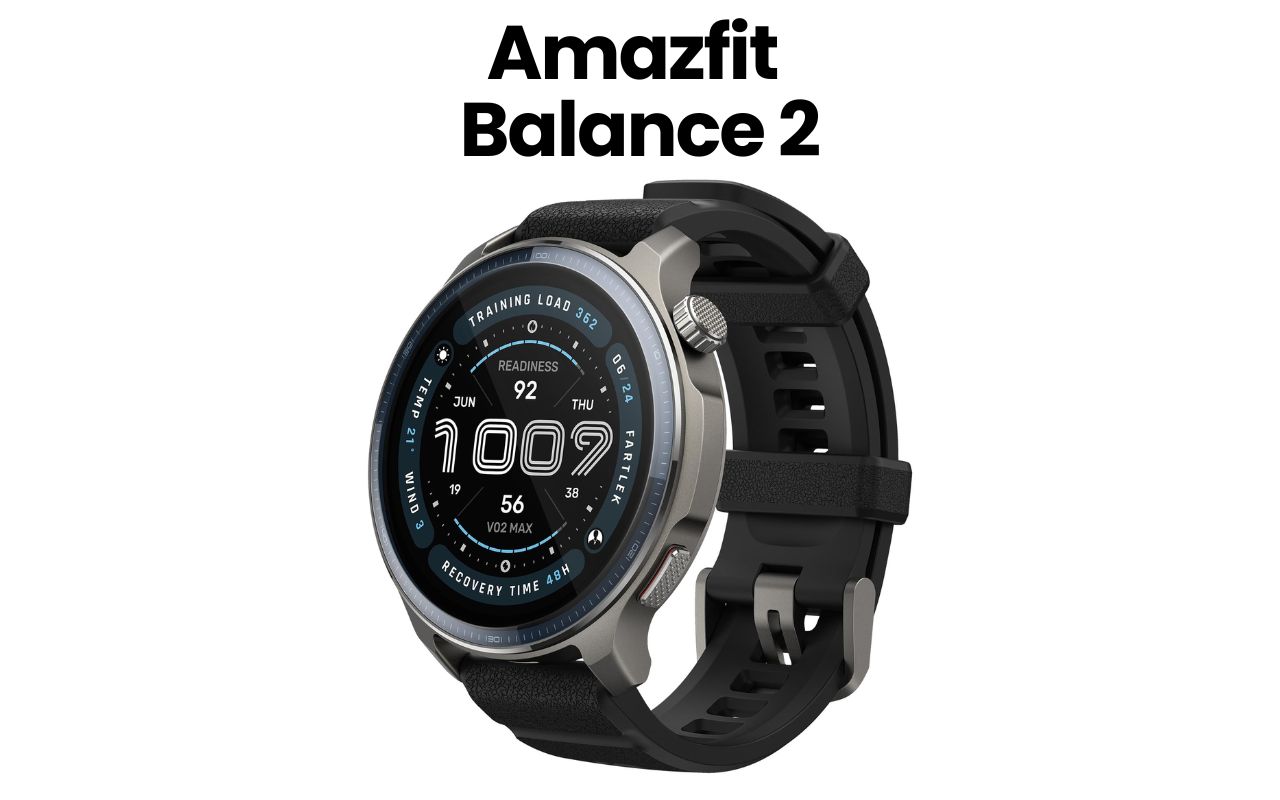
| Display | 1.5-inch AMOLED with sapphire cover | Bright, durable and easy to read |
| Water resistance | 10 ATM | Suitable for swimming and higher-pressure water activities within manufacturer guidance |
| Navigation | Dual-band GPS and offline maps | Useful for route following without a phone |
| Maps and routes | Free downloadable maps and route files are listed by Amazfit | Download the required area and test the route workflow before travel |
| Battery claim | Up to roughly 21 days in typical use; much less with heavy GPS/AOD | Settings and training volume determine real results |
Evidence, methodology and limitations
What to assess before buying: GPS behavior on your normal routes, wrist heart-rate behavior during intervals, battery with your display settings, map workflow, sleep-tracking comfort, and Zepp app clarity on your phone.
For Amazfit Balance 2, the editorial method separates advertised battery and sensor features from settings-dependent use. Phone compatibility, wrist fit, GPS environment, mapping, external-sensor support and regional software restrictions are purchase criteria rather than footnotes.
Manufacturer specifications establish the claimed hardware and supported features. Battery, GPS, optical heart rate, maps, and software behavior remain settings- and environment-dependent, so this review treats them as buying criteria rather than guarantees.
The main limitation in a Amazfit Balance 2 guide is measurement context. Wrist heart rate can lag during intervals, GPS changes with buildings and trees, battery depends on settings, and health features may be unavailable in some regions. Wearable data should guide trends, not replace medical diagnosis. These limits belong in the decision itself because they determine how confidently a reader can act.
Detailed analysis: what the specifications mean in use
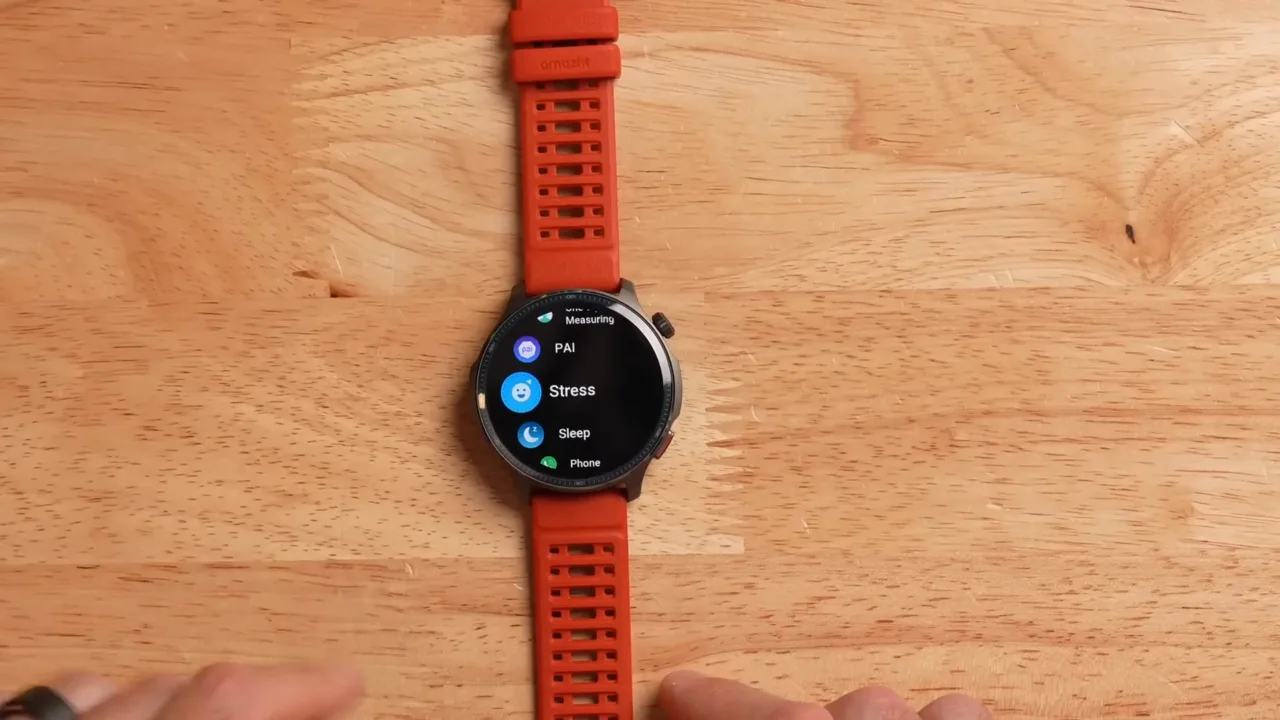
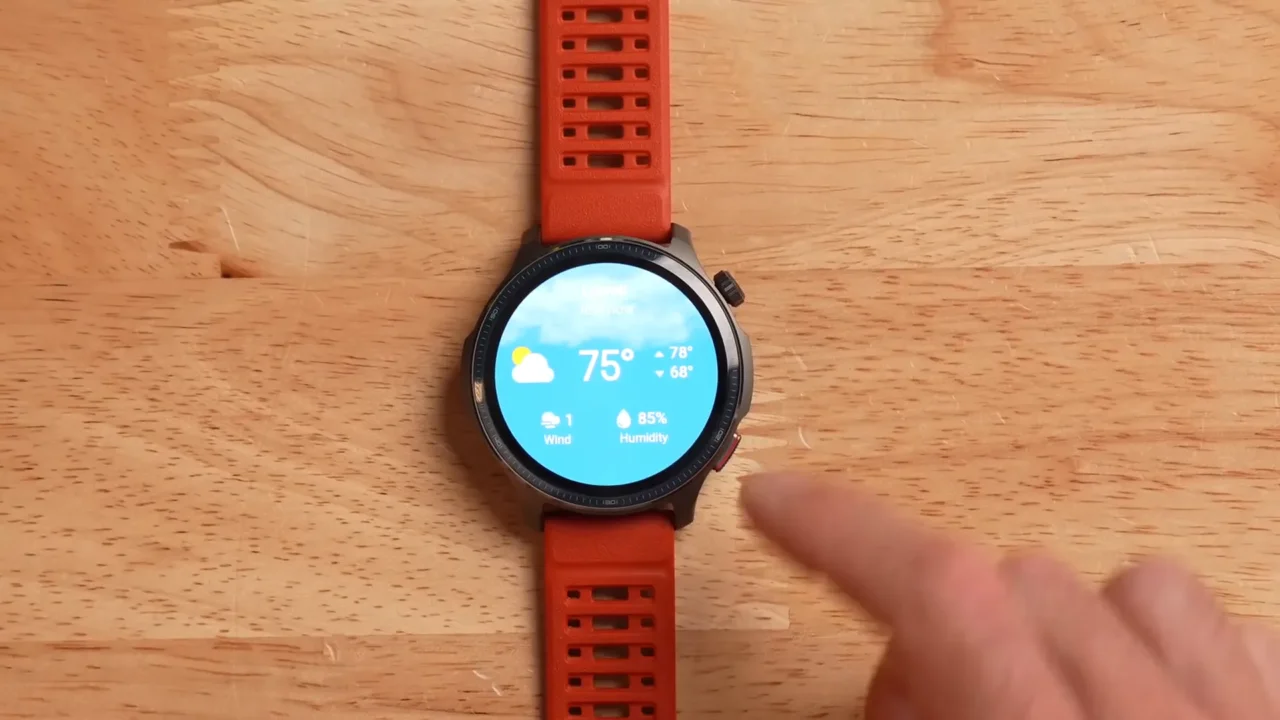
1. Display
1.5-inch AMOLED with sapphire cover. Bright, durable and easy to read. In the Amazfit Balance 2 decision, this is useful when it changes the intended job, comfort, control, compatibility or value.
How to check it: Assess display for Amazfit Balance 2 outdoors, indoors and during a workout glance. Check font size, gesture behavior, button control and whether the chosen display mode produces acceptable battery use.
Limitation: A brighter display improves readability but can reduce battery, especially with always-on mode.
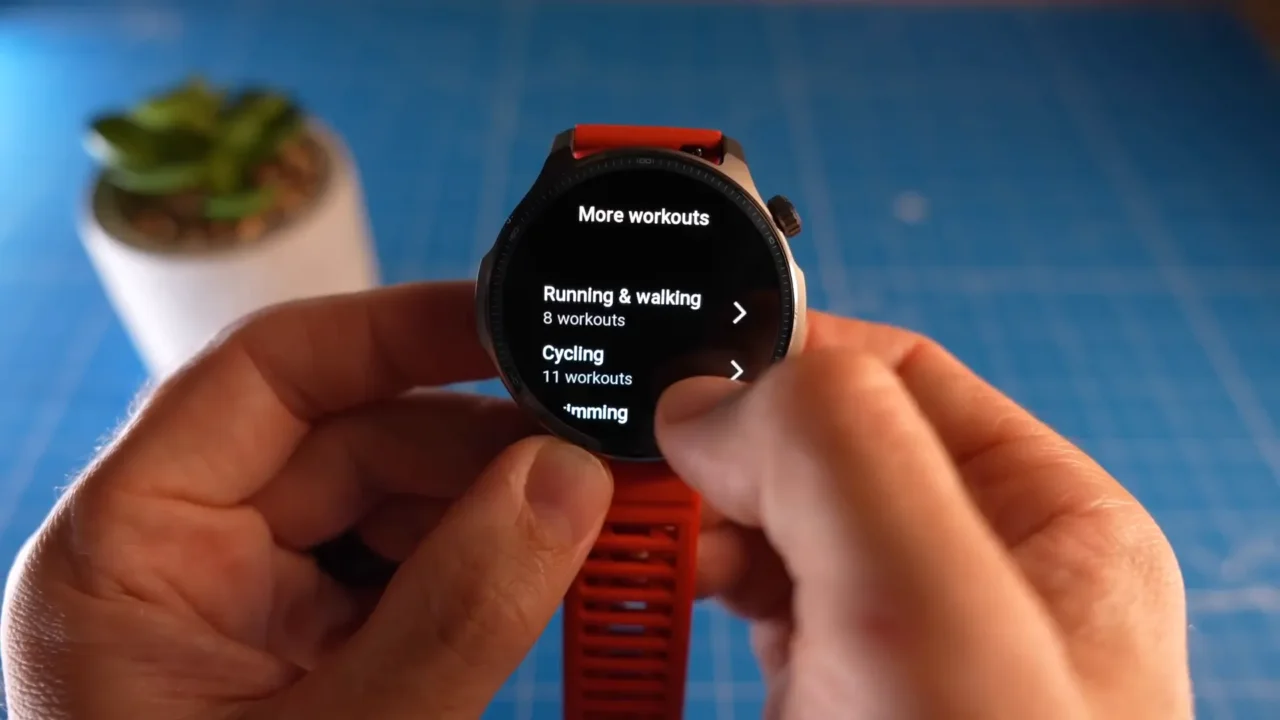
2. Water resistance
10 ATM. Suitable for swimming and higher-pressure water activities within manufacturer guidance. In the Amazfit Balance 2 decision, this is useful when it changes the intended job, comfort, control, compatibility or value.
How to check it: Configure water resistance on Amazfit Balance 2 before a key workout, then check whether it reduces friction or adds menus and data you ignore. Keep the feature only when it changes a real decision.
Limitation: Software, phone support and regional availability can change after publication, so the current support page is authoritative.

3. Navigation
Dual-band GPS and offline maps. Useful for route following without a phone. In the Amazfit Balance 2 decision, this is useful when it changes the intended job, comfort, control, compatibility or value.
How to check it: Test navigation for Amazfit Balance 2 on an open route and a difficult route with trees or tall buildings. Compare the track shape, lap consistency and navigation usability; do not judge accuracy from total distance alone.
Limitation: Satellite geometry, environment, recording mode and wrist position can produce error even on premium devices.
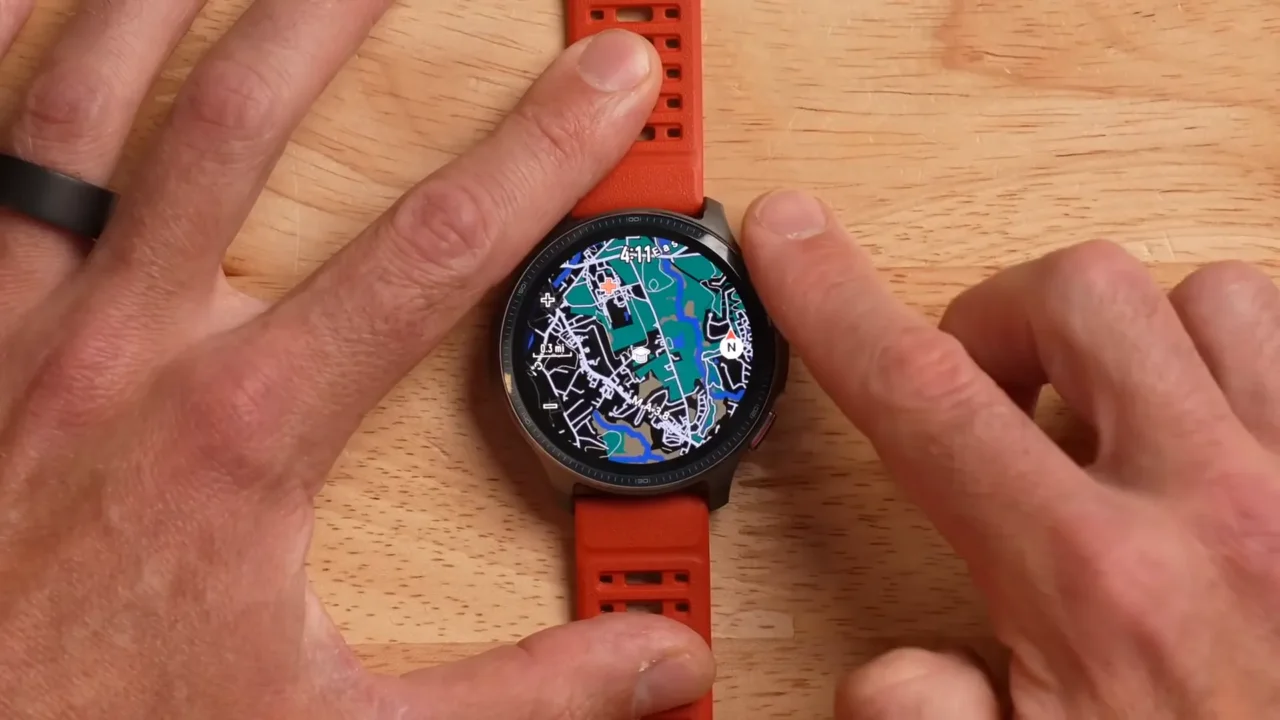
4. Maps and route workflow
Downloadable maps and route files. Amazfit lists free map downloads and turn directions, but the useful question is whether the required map area and route workflow fit your travel or training routine.
How to check it: Download the intended region, open a route, and test prompts before a trip. Carry independent navigation in remote terrain.
Limitation: Availability, region coverage, and route-file behavior can change with software updates.
Recovery, sleep and the Zepp ecosystem
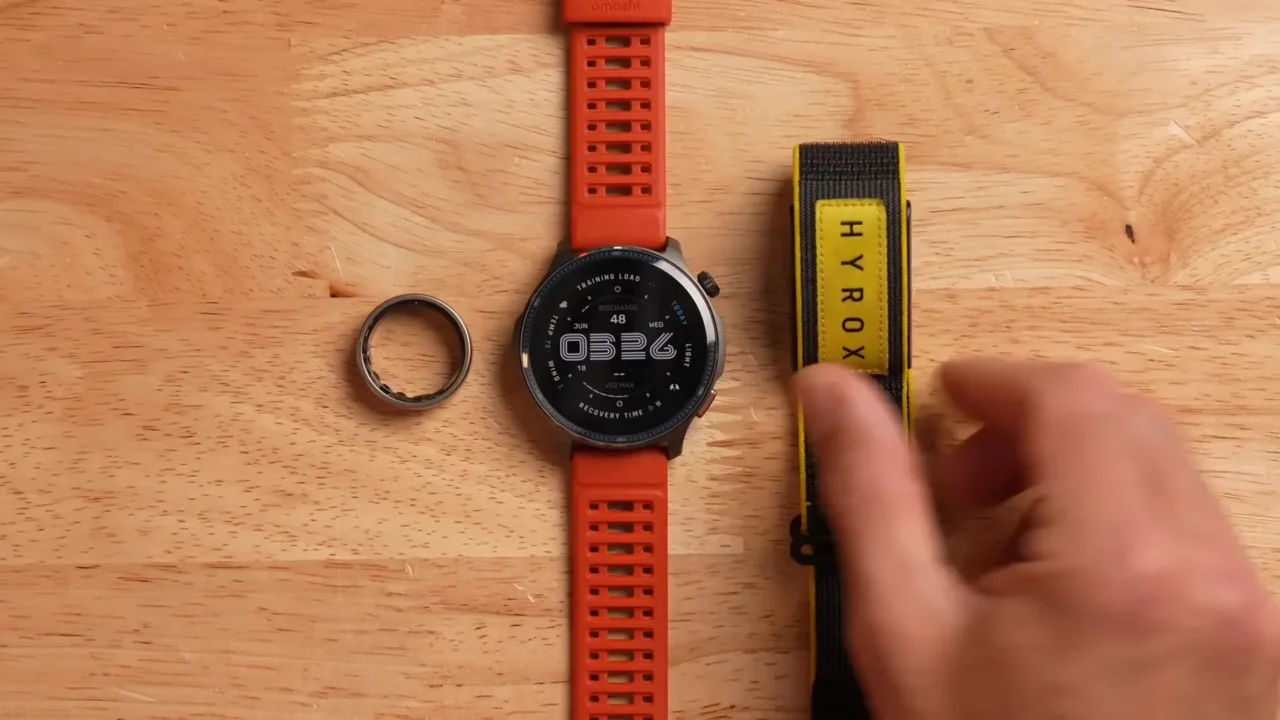
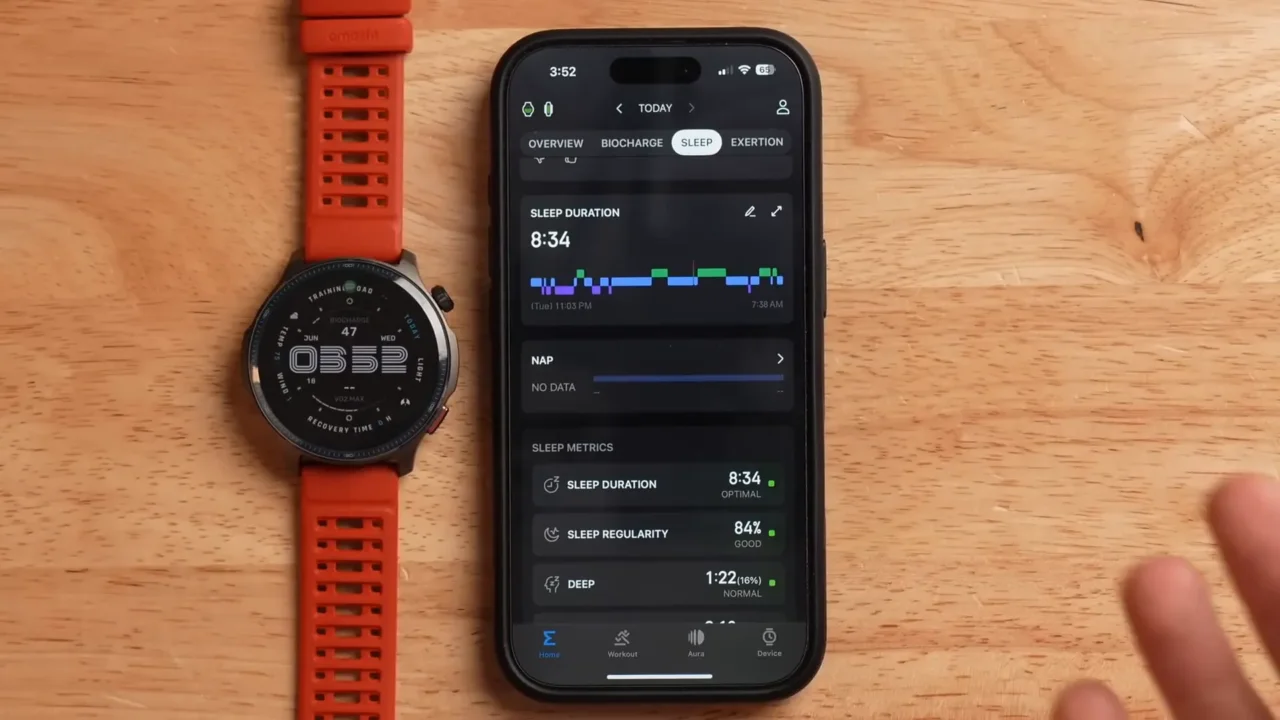
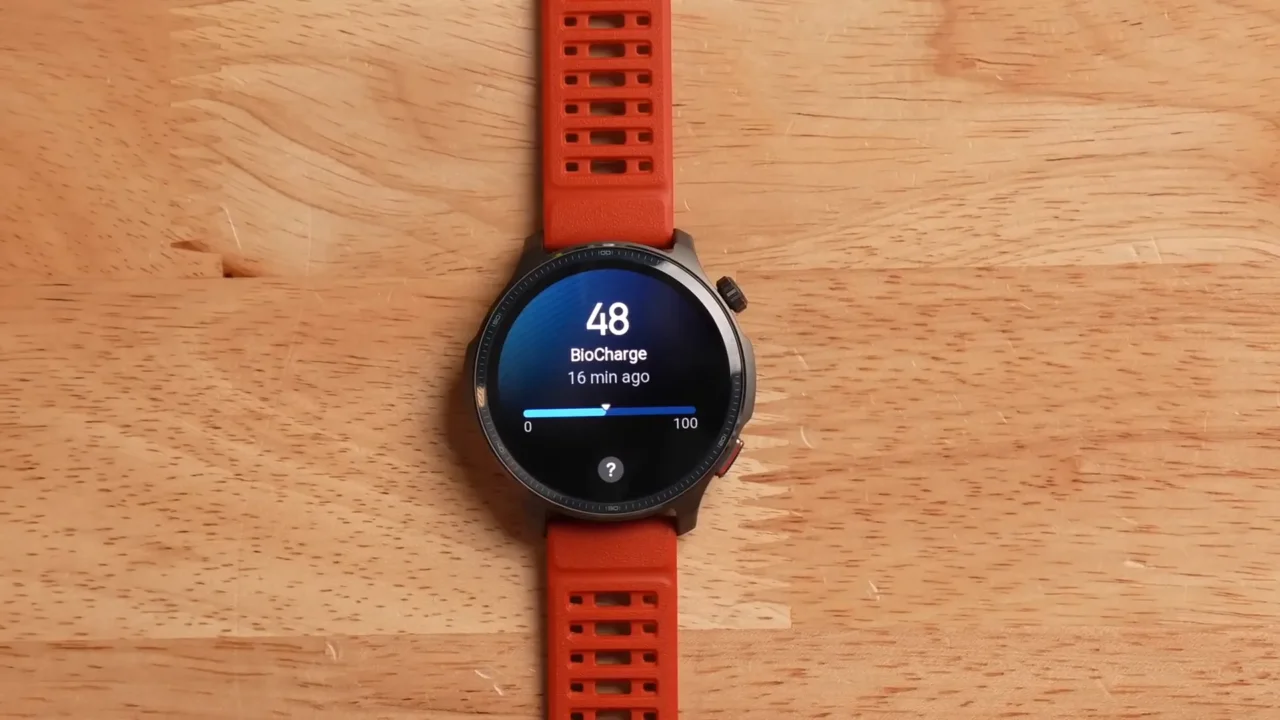
5. Battery claim
Up to roughly 21 days in typical use; much less with heavy GPS/AOD. Settings and training volume determine real results. In the Amazfit Balance 2 decision, this is useful when it changes the intended job, comfort, control, compatibility or value.
How to check it: Run a seven-day battery claim audit for Amazfit Balance 2 using your real brightness, always-on display, GPS, notifications, sleep tracking and music settings. Record the percentage used per day and per hour of GPS rather than comparing only the headline maximum.
Limitation: Battery claims use controlled modes. Maps, multi-band GNSS, calls, music, Pulse Ox and cold weather can shorten runtime substantially.
When the main trade-off in Amazfit Balance 2 becomes clearer, compare smartwatches built for runners and use the free GearUpToFit Watch Match tool for the next comparison that logically follows from the evidence above.
Sport modes and golf context
When another type of watch may be better
Choose a cellular smartwatch when
Phone-free calls, a large app catalogue, or tight iPhone/Android smart-home integration matters more than multi-week battery life.
Choose a specialist running watch when
Advanced training analytics, established coaching workflows, and support for specific external sensors are the non-negotiable requirements.
Choose Balance 2 when
You want a bright durable display, extensive sport modes, navigation tools, and long stated battery life without prioritizing a deep third-party app ecosystem.
Compare before committing
Use the GearUpToFit Watch Match tool and compare models against the activities, phone, navigation needs, and charging routine you actually have.
Examples by situation
1. Marathon training
Use dual-band GPS and structured workouts, but validate pace against measured routes and do not treat one recovery score as a training command.
Amazfit Balance 2 takeaway: This is the baseline case. Choose for the repeated weekly job first, because a product or method that works only for an occasional best-case scenario is unlikely to deliver good value.
2. Hiking weekend
Download maps before leaving coverage, verify the route opens, and carry independent navigation for remote terrain.
Amazfit Balance 2 takeaway: This situation introduces a trade-off. Decide which requirement is non-negotiable, remove the option that fails it and compare the remaining choices on comfort, usability and cost.
3. Swimming
The 10 ATM rating is a strength, but rinse after salt or chlorine and follow the manufacturer’s button-use guidance.
Amazfit Balance 2 takeaway: This is where context matters most. Test the exact setting described rather than assuming that success in a different workout, meal pattern or route will transfer automatically.
4. Everyday health tracking
Look for multi-week trends in sleep and resting heart rate rather than reacting to a single unusual reading.
Amazfit Balance 2 takeaway: Use this as the fallback case. Start with the smallest reversible change and keep an alternative ready when the first choice creates new friction.
Step-by-step practical method
- Verify model identity: Match Amazfit Balance 2 to the official part number, case size, display type and regional feature list.
- Pair and update: Use the intended phone, install current firmware and review permission settings before judging reliability.
- Configure battery variables: Choose always-on display, brightness, GNSS mode, notifications, music and health sampling before measuring battery.
- Record two GPS routes: Use one open route and one difficult route; compare track shape, laps and usability rather than chasing a perfect distance match.
- Check heart-rate context: Compare steady exercise and intervals, and use a chest strap when precision changes a training decision.
- Wear it overnight: Confirm case comfort, strap fit and whether sleep data is consistent enough to be useful as a trend.
- Review the first week: Keep the watch only when its data leads to clearer action and the ecosystem does not create daily friction.
Advantages and limitations at a glance
Reasons it may be the right choice
- The clearest strength of Amazfit Balance 2 is its fit with runners, hikers, swimmers and active users who want broad training features and multi-week battery without flagship Garmin pricing.
- The decision table links each major fact to a practical consequence.
- Alternatives are supplied for readers whose priorities conflict with the main verdict.
Reasons to choose something else
- Amazfit Balance 2 is a poor match for users who need LTE, a deep app store, seamless voice-assistant integration, or medical-grade interpretation of health data.
- The exact experience still depends on fit, settings, environment and individual response.
- Specifications and marketplace variants can change after publication.
Common mistakes and troubleshooting
1. Repeating unsupported ECG or regulatory claims
Why this causes trouble with Amazfit Balance 2: It lets appearance, hype or a category label replace the test that matters for the primary job.
What to do instead: Reset the Amazfit Balance 2 comparison to the exact model, phone and use case, then verify the feature in the current manufacturer documentation.
2. Assuming advertised battery applies with every sensor and always-on display enabled
Why this causes trouble with Amazfit Balance 2: It hides an early fit, compatibility or measurement problem until the return window or useful adjustment period has passed.
What to do instead: Record the exact Amazfit Balance 2 settings, firmware, phone and environment, then repeat one controlled test. Compare trends and track shape rather than treating one number as ground truth.
3. Using calorie estimates as precise food targets
Why this causes trouble with Amazfit Balance 2: It evaluates the choice in a setting it was not designed to handle, so the result says little about normal use.
What to do instead: Recheck the inputs and units used for Amazfit Balance 2, then compare the result with a multi-week trend. Avoid aggressive changes from one estimate and obtain professional guidance when health conditions or disordered eating risk are present.
4. Buying for maps without checking regional map coverage and route workflow
Why this causes trouble with Amazfit Balance 2: It changes behavior around the product or metric instead of checking whether the product or metric supports the original plan.
What to do instead: Record the exact Amazfit Balance 2 settings, firmware, phone and environment, then repeat one controlled test. Compare trends and track shape rather than treating one number as ground truth.
Frequently asked questions
Does the Amazfit Balance 2 have good battery life?
Answer for Amazfit Balance 2: Yes relative to mainstream smartwatches. Actual life falls with always-on display, frequent GPS, calls, music and continuous sensors.
Does it support offline maps?
Answer for Amazfit Balance 2: Yes, but download and test the required region before a trip.
Is it accurate for running?
Answer for Amazfit Balance 2: Dual-band GPS is promising, yet accuracy varies with environment and wrist fit. Compare routes and lap behavior over several runs.
Can it make calls?
Answer for Amazfit Balance 2: Bluetooth calling may be available when paired to a phone; it is not an LTE-independent watch.
Is it good for swimming?
Answer for Amazfit Balance 2: The 10 ATM rating supports swimming and broader water use, subject to manufacturer limits.
Does it work with iPhone and Android?
Answer for Amazfit Balance 2: Zepp supports both major phone platforms, although notification and app behavior can differ.
Can it replace a Garmin?
Answer for Amazfit Balance 2: For battery, maps and broad sports tracking, possibly. Garmin remains stronger for some training analytics, integrations and established workflows.
Are its health readings medical advice?
Answer for Amazfit Balance 2: No. Consumer wearables provide estimates and trends, not diagnosis.
For a runner-focused comparison, see our guide to smartwatches for runners. For a wider starting point, compare fitness-tracking watches by use case.
Sources, editorial note and review date
Amazfit Balance 2 Review: Battery, GPS, Maps and Real Limitations was reviewed on 2026-07-10. The page uses the sources below for product identity, formulas or topic context. Specifications, software, marketplace variants and availability can change; health and nutrition information is educational and does not replace individualized care.
Editorial accountability for Amazfit Balance 2 Review: Battery, GPS, Maps and Real Limitations: Written by Alexios Papaioannou and reviewed under the GearUpToFit Editorial Review process. Corrections should identify the exact sentence, source and current product or clinical context.