
The best smartwatch for an older adult is not the most expensive model. It is the one they will actually wear, charge, understand, and trust when they need help.
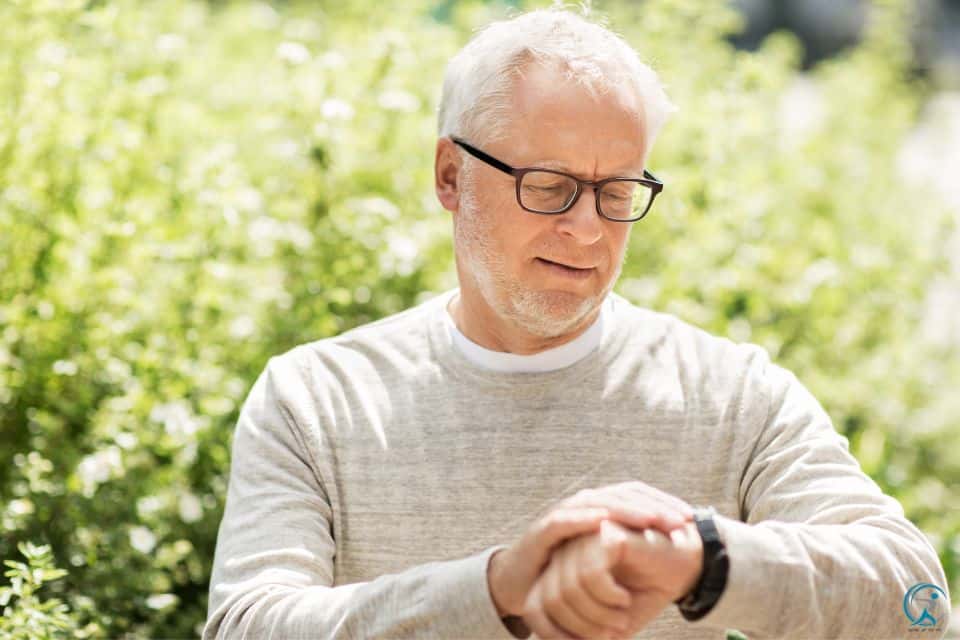
Important safety note: smartwatches can help with emergency calling, fall alerts, location sharing, heart notifications, reminders, and movement tracking. They do not replace emergency care, a clinician, or a dedicated 24/7 medical alert service for high-risk seniors.
Quick Answer: Start With the Senior’s Phone
For most families, the safest buying decision starts with compatibility. Apple Watch is the strongest choice for iPhone users. Samsung Galaxy Watch is the best fit for Samsung Android users. Google Pixel Watch is a good Google-first Android option. Garmin is best when battery life matters more than app features.
Best overall for iPhone families
Apple Watch SE or Apple Watch Series because the emergency workflow, Medical ID, Fall Detection, Health app, and family setup are easier for most caregivers to manage.
Best Android direction
Samsung Galaxy Watch LTE for Samsung users, or Google Pixel Watch LTE for Pixel/Google households. Choose LTE if the senior often leaves home without a phone.
For wider wearable context, see GearUpToFit’s Smartwatch Awards guide and the top 10 smartwatches review.
Best Smartwatches for Seniors: Comparison Table
Use this table to avoid the biggest mistake: buying a watch with impressive specs that does not match the senior’s phone, eyesight, charging habits, or emergency needs.
| Watch | Best for | Safety strengths | Main drawback | Senior buying advice |
|---|---|---|---|---|
| Apple Watch SE / Series | iPhone families | Fall Detection, Emergency SOS, Medical ID, emergency contacts, Health app sharing | Usually needs daily charging | Best first choice when the senior or caregiver uses iPhone. |
| Samsung Galaxy Watch LTE | Samsung Android users | Fall detection alerts, SOS, location sharing, Samsung Health | Some features work best with Samsung phones | Choose LTE if they walk outside without carrying a phone. |
| Google Pixel Watch LTE | Google/Pixel households | Emergency SOS, Fall Detection, Safety Check, Emergency Sharing, Fitbit wellness tools | Feature availability varies by model, country, carrier, and connectivity | Great for Android users who want Google safety features and simple voice workflows. |
| Garmin Venu series | Active seniors and battery-conscious users | Long battery life, GPS, incident detection during activities, strong wellness metrics | Not a full medical alert replacement | Best if daily charging is unrealistic. |
| Dedicated senior medical alert watch | Higher-risk seniors living alone | Simple SOS workflow, monitoring plans, caregiver features | Monthly fees and fewer smartwatch features | Best when professional response matters more than apps. |
Best Smartwatches for Seniors in 2026
These recommendations prioritize emergency usability, readable screens, real-world comfort, phone compatibility, charging behavior, and caregiver setup.
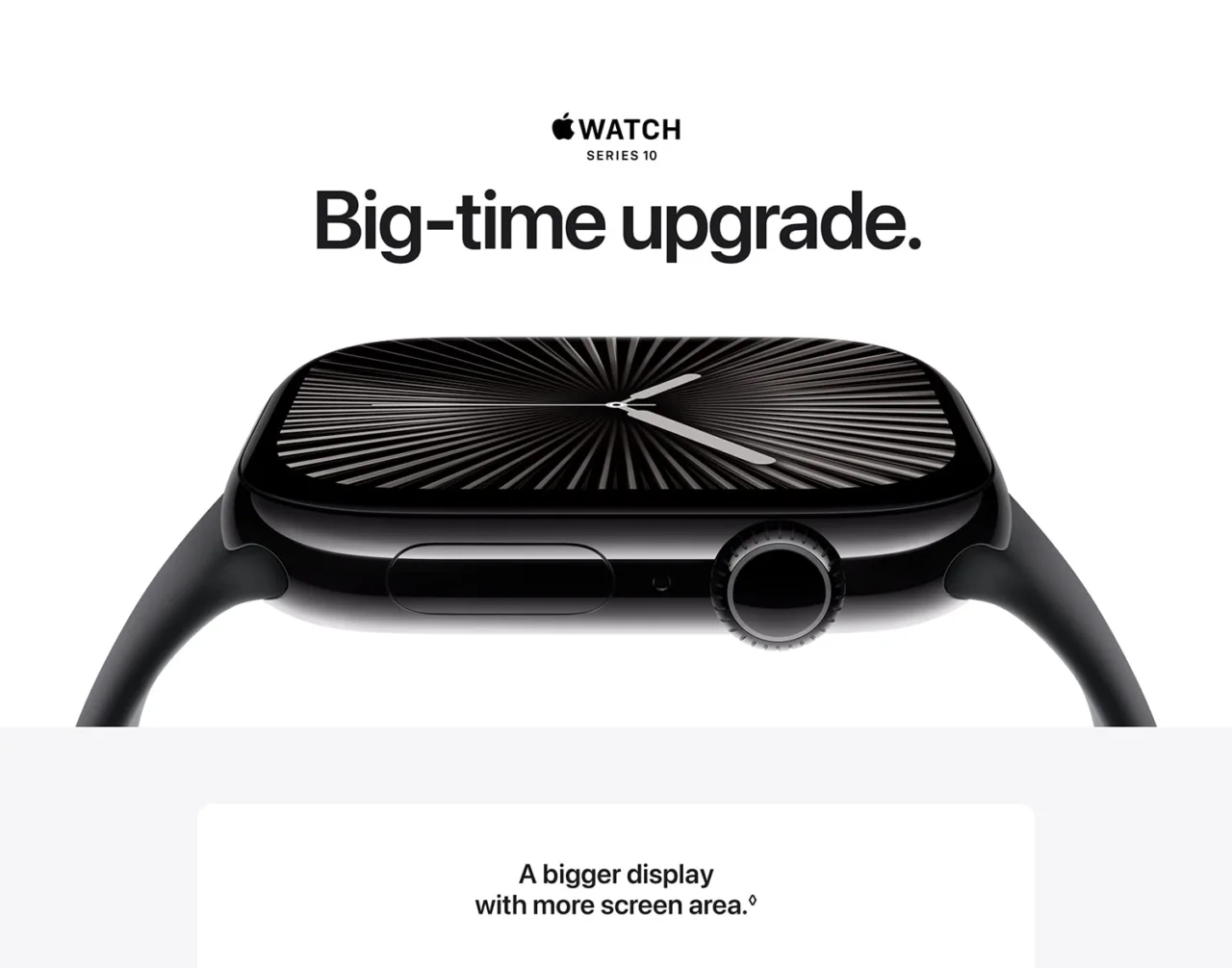
1. Apple Watch SE / Apple Watch Series
Apple Watch is the easiest recommendation for seniors already using iPhone. It has a strong safety ecosystem: Fall Detection, Emergency SOS, Medical ID, emergency contacts, medication reminders, heart notifications, and caregiver-friendly Health app support.
- Excellent emergency and caregiver workflow.
- Clear accessibility settings for bigger text and simpler watch faces.
- Best fit for iPhone families.
- Not for Android users.
- Daily charging can be a problem.
- Must be configured correctly before use.
Best for: older adults with iPhones and families who want the cleanest emergency setup.
Check Apple Watch options on Amazon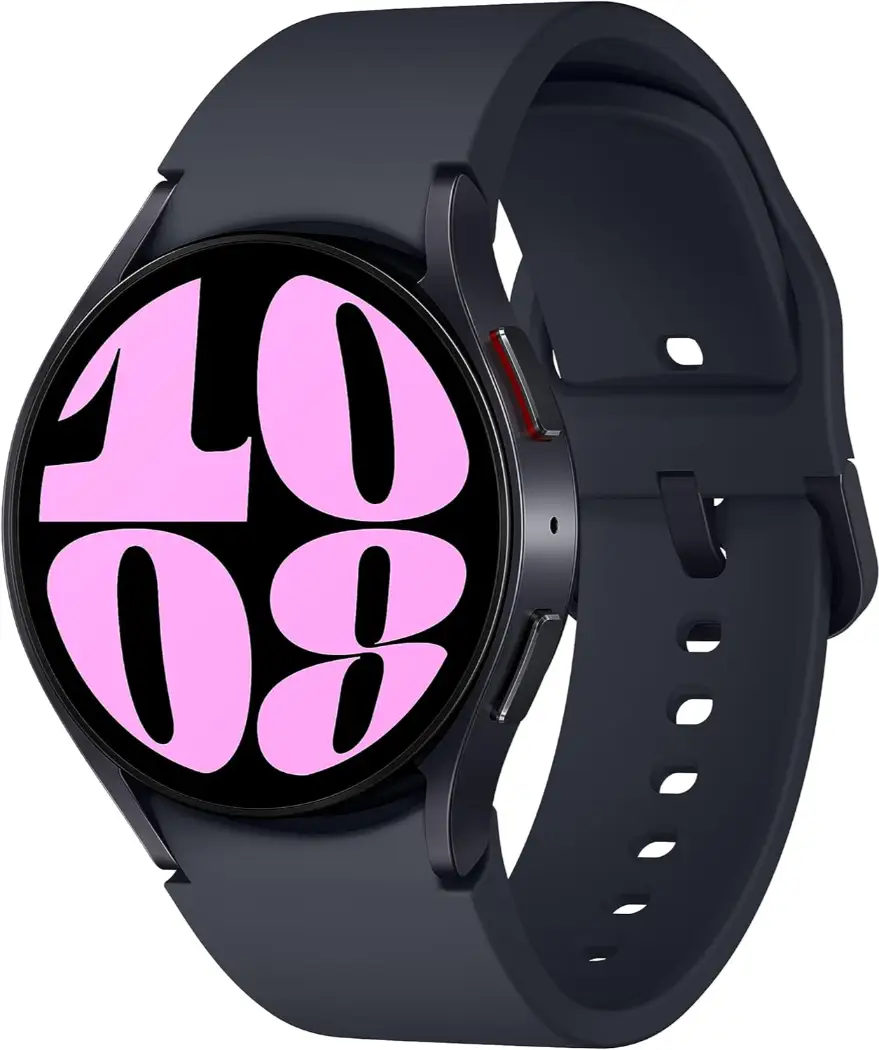
2. Samsung Galaxy Watch LTE
Samsung Galaxy Watch is the most natural senior smartwatch for Samsung phone users. It offers strong everyday smartwatch features, health tracking, fall detection/SOS options, and location-sharing workflows.
- Best fit for Samsung Android users.
- Good display readability and mainstream smartwatch polish.
- LTE models are useful for seniors who leave the phone at home.
- Some health features depend on Samsung phone support.
- Battery life is not Garmin-level.
- Setup can feel more technical than Apple.
Best for: seniors with Samsung phones who want a full-featured Android smartwatch.
Check Samsung Galaxy Watch options on Amazon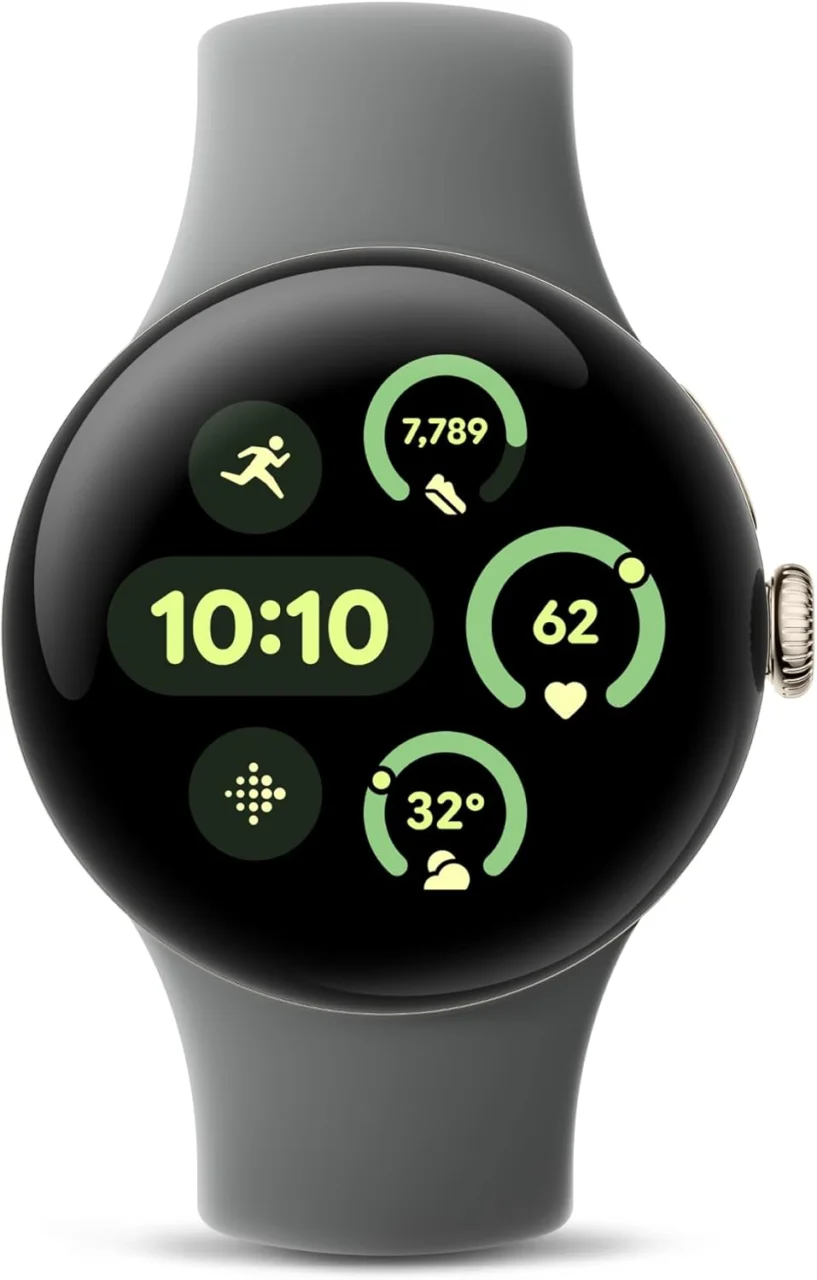
3. Google Pixel Watch LTE
Pixel Watch is a strong option for Google-first Android families. It is especially appealing when voice controls, Fitbit wellness features, Safety Check, Emergency Sharing, and simple Google integration matter.
- Helpful Google safety ecosystem.
- Comfortable, simple, modern design.
- Good Fitbit-style sleep and wellness tracking.
- Emergency features vary by model and region.
- LTE may be required for independent emergency calling.
- Battery routine still matters.
Best for: Android seniors in Google/Pixel households who want safety features plus simple voice support.
Check Pixel Watch options on Amazon
4. Garmin Venu Series
Garmin is the better choice when battery life is the biggest obstacle. A watch with fewer app features but better battery life may protect a senior better than a powerful smartwatch that dies every night.
- Much better battery life than many app-first smartwatches.
- Excellent GPS and walking support.
- Strong wellness metrics for active older adults.
- Not as simple for emergency calling as LTE watches.
- Some safety features may require a paired phone nearby.
- Less beginner-friendly than Apple for non-technical users.
Best for: active seniors, walkers, and anyone who will not reliably charge a watch daily.
Check Garmin options on Amazon
5. Dedicated Senior Medical Alert Smartwatch
A consumer smartwatch is not always enough. For seniors with recurring falls, memory issues, limited mobility, or serious emergency risk, a dedicated medical alert watch with professional monitoring may be safer.
- Purpose-built emergency workflow.
- Often includes caregiver or monitoring support.
- Simpler SOS-first experience.
- Monthly fees are common.
- Fewer lifestyle and fitness features.
- Quality varies widely by provider.
Best for: seniors who live alone, have a serious fall history, or need monitored emergency response.
Check senior alert watches on Amazon How to Choose a Smartwatch for an Older Adult
The right senior smartwatch is not just a product choice. It is a safety workflow. The watch must match the senior’s phone, eyesight, hearing, wrist comfort, charging habits, and emergency risk level.
1. Match the phone first
Apple Watch is for iPhone. Samsung Galaxy Watch is best for Samsung phones. Pixel Watch is best for Google-first Android users.
2. Choose LTE for independent walks
If the senior leaves home without a phone, buy a cellular/LTE model where available. Bluetooth-only watches may depend on the phone for calling.
3. Make the screen readable
Use large text, bold text, high contrast, a simple watch face, and only essential complications like phone, messages, heart rate, and timer.
4. Build a charging habit
A dead watch helps nobody. Put the charger next to the bed, coffee maker, or toothbrush so charging becomes automatic.
For senior fitness support, connect the watch with GearUpToFit guides on balance exercises to prevent falls, chair exercises for limited mobility, best exercises for older adults, and the benefits of walking for seniors.
The Grandparent-Proof Smartwatch Setup Checklist
Do not hand over the watch until this checklist is complete. A smartwatch that is not configured is just an expensive bracelet.
- Enter the correct age and health profile. Safety and health features depend on accurate setup.
- Enable Fall Detection. Choose the broadest setting available for that device.
- Enable Emergency SOS. Show the senior exactly which button to press.
- Add emergency contacts. Include one nearby person, one family member, and one backup contact.
- Set up Medical ID or emergency medical information. Include medications, allergies, conditions, and emergency contacts.
- Increase text size and contrast. Keep the watch face simple and readable.
- Remove notification clutter. Keep calls, texts, medications, calendar, and safety alerts. Disable distractions.
- Create a charging routine. Place the charger somewhere obvious and easy to use.
- Practice the workflow. Test calling, voice assistant, messages, SOS cancellation, and battery checks.
- Review monthly. Confirm contacts, software updates, battery habits, and whether the watch is being worn.
Helpful Video: Apple Watch Safety Features for Seniors
This video is relevant because it focuses on Apple Watch safety features for seniors, including fall detection, crash detection, and Emergency SOS.
Who Should Not Rely Only on a Smartwatch?
A smartwatch is helpful, but it is not always enough. Seniors with severe cognitive impairment, repeated serious falls, frequent fainting, poor balance, or limited ability to respond to alerts may need a dedicated medical alert system with professional monitoring.
ECG, blood oxygen, sleep, heart-rate, and wellness features are not replacements for medical diagnosis or treatment. Concerning readings should be discussed with a qualified healthcare professional.
Frequently Asked Questions
What is the best smartwatch for seniors overall?
For most iPhone families, Apple Watch SE or Apple Watch Series is the best starting point. For Android families, Samsung Galaxy Watch LTE and Google Pixel Watch LTE are stronger fits.
Can a smartwatch replace a medical alert system?
Sometimes, but not always. A smartwatch may be enough for active, independent seniors who understand alerts and wear the device consistently. High-risk seniors may need professional monitoring.
Should seniors buy GPS or cellular/LTE?
Choose cellular/LTE if the senior often leaves home without a phone. A GPS/Bluetooth-only watch may need the paired phone nearby for calls or some emergency features.
What matters more: sensors or battery life?
For many seniors, battery life matters more. Advanced sensors are useless if the watch is dead or left on the charger.
What should be set up first?
Set up Fall Detection, Emergency SOS, emergency contacts, Medical ID, large text, a simple watch face, and the charging routine before giving the watch to the senior.
Affiliate disclosure: GearUpToFit may earn a commission from qualifying Amazon purchases through links using tag papalex-20, at no extra cost to the reader. Product availability, pricing, images, model names, and features can change.
Medical disclaimer: This article is educational only and is not medical advice. Smartwatch data is not a diagnosis. Consult a healthcare professional for falls, dizziness, fainting, heart symptoms, medication issues, or emergency monitoring needs.
